Client Hub Navigation

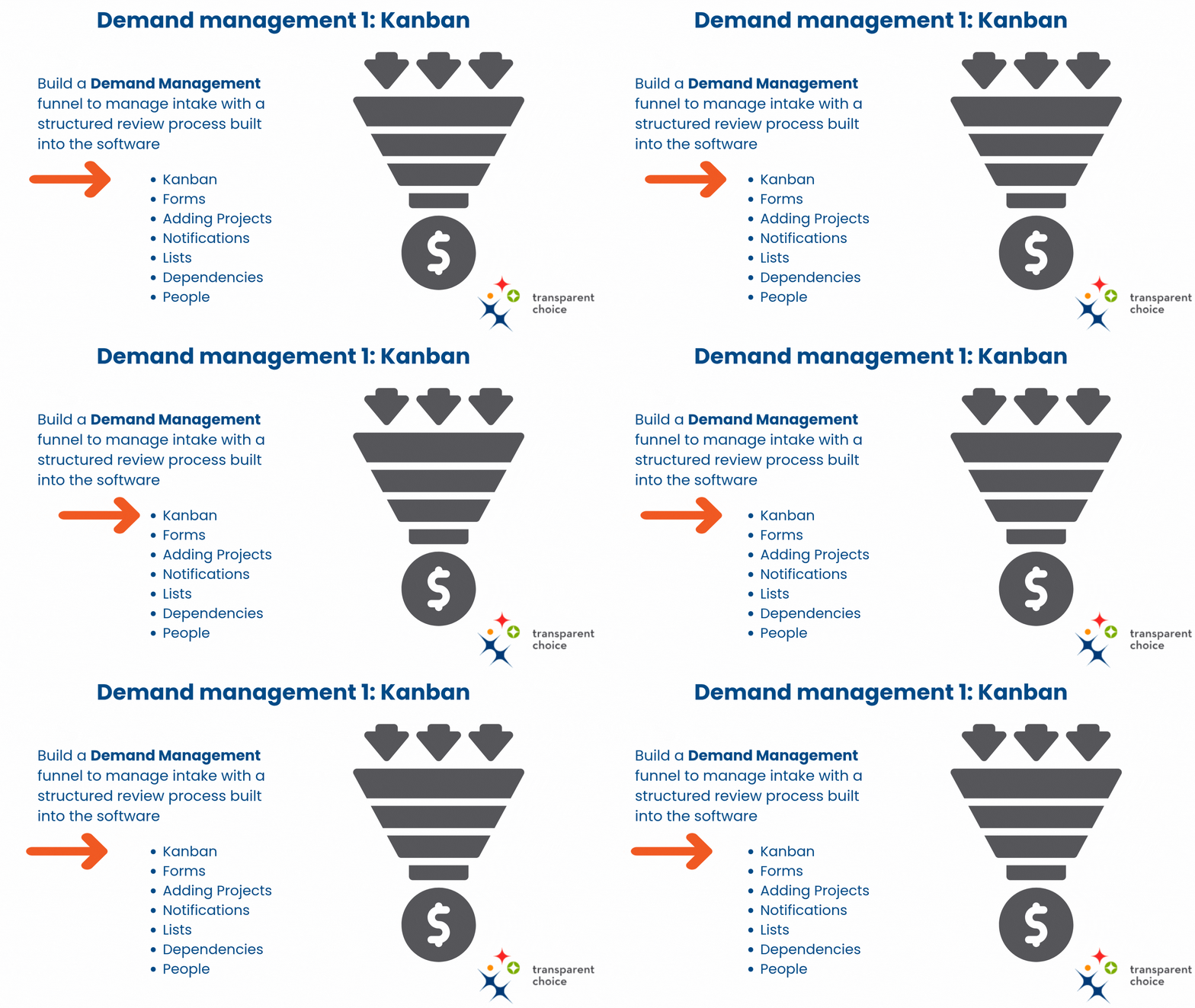
Using the Kanban

The Kanban is your decision pipeline, helping you to organize your projects. It's a key part of how you'll turn your decision tunnel into a decision funnel.

In this section you will learn how to:

  • Customize statuses
  • Manually create projects
  • Batch import projects
  • Use the Kanban to view & manipulate your data
  • Access the Project Homepage
Demand management 1

Play Video

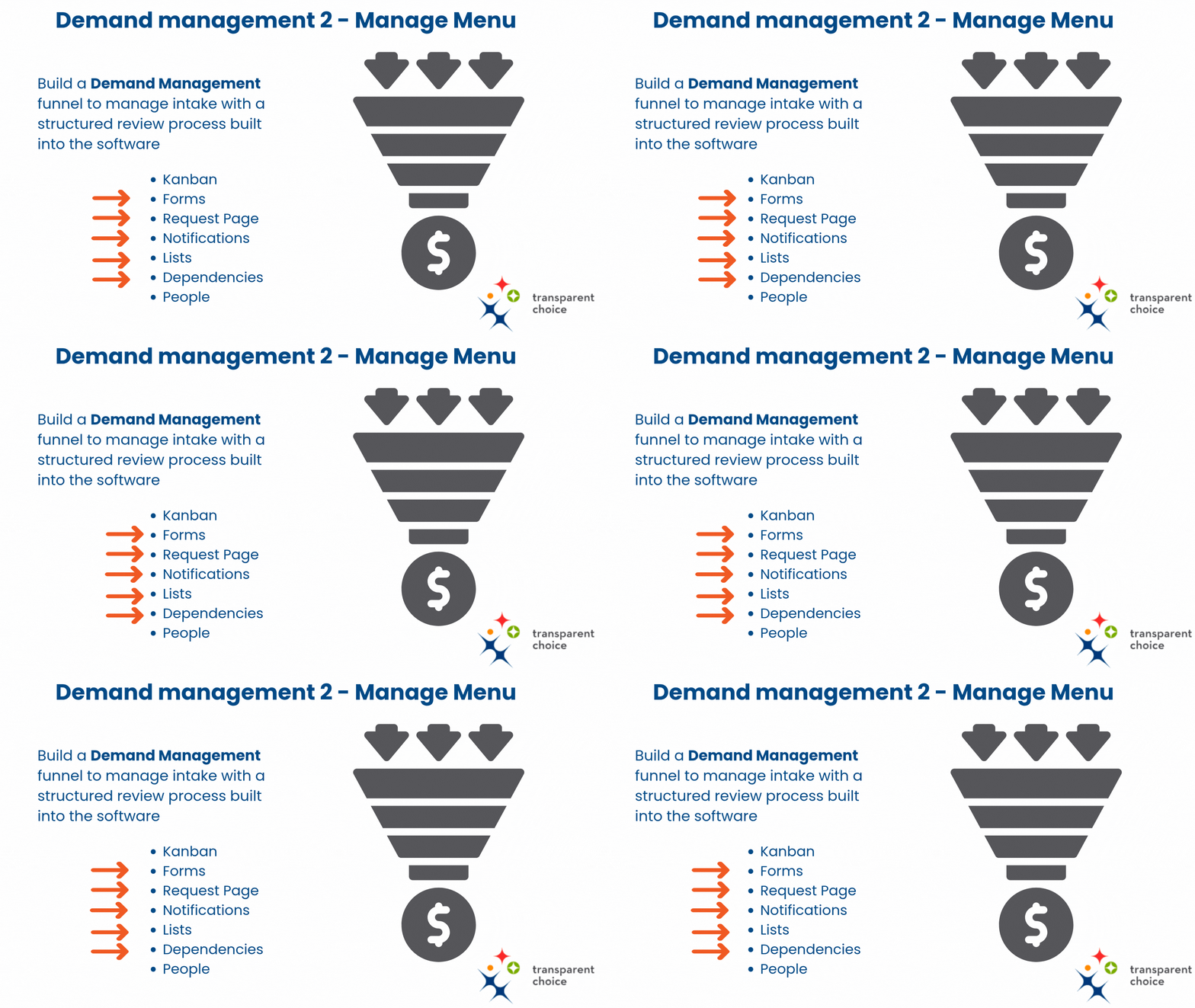
Using the Manage Menu

The Manage Menu contains important supporting features which help you capture and manage the data you need to run an effective pipeline. Note that Attributes are covered separately in set-up.

  • Forms: Configure data-capture for setting up project data
  • Request Pages: Set up a shareable URL that enables stakeholders to create a new project request
  • Notifications: Set up email alerts that trigger when you change Kanban status
  • Lists: Group projects together to build reports, target Assessments and custimize views of Kanban
  • Dependencies: View project interdependencies  
Demand management 2

Play Video

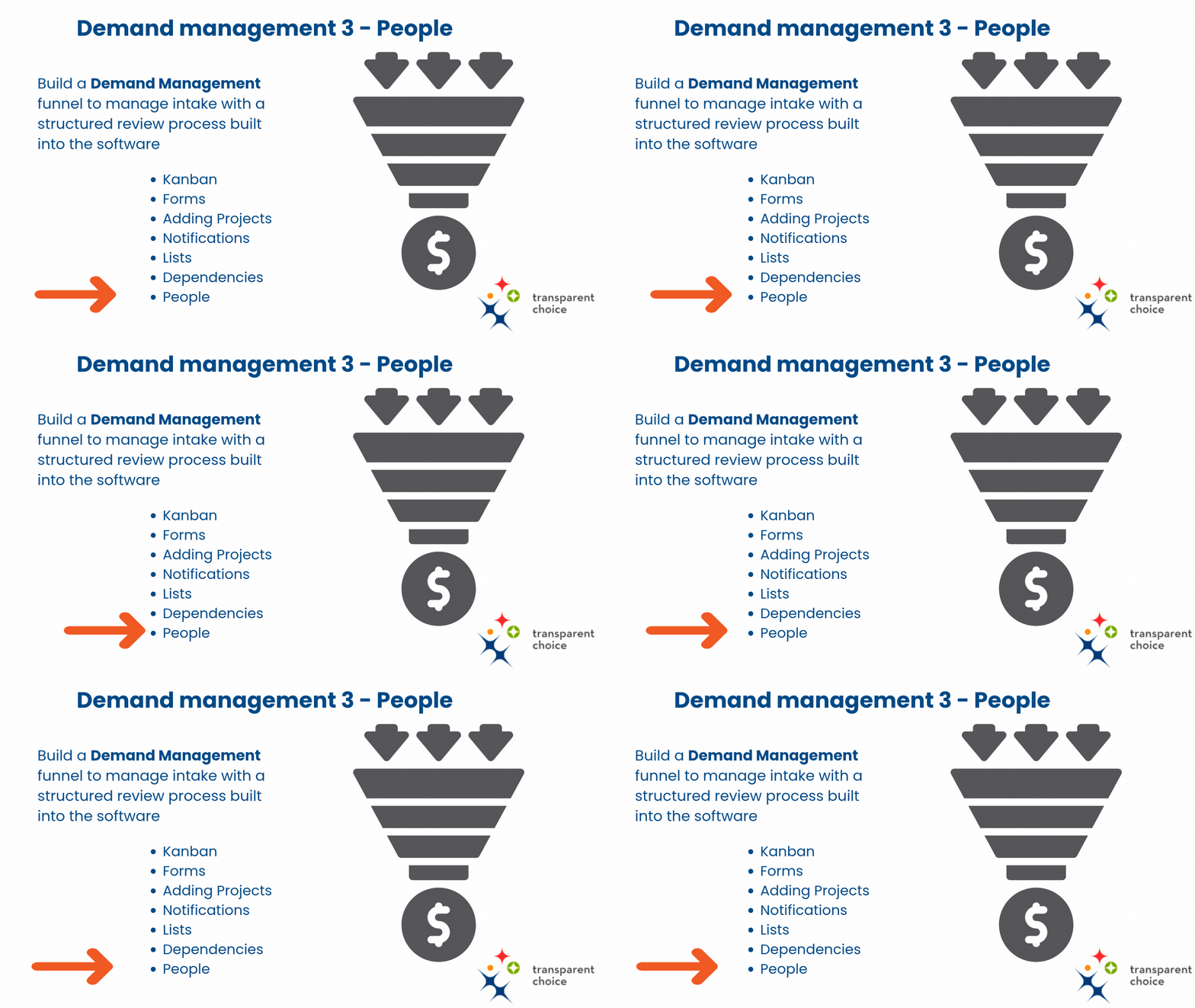
Using the People Section

Collaboration means getting people to work together to collect data and to build alignment, and this is where that process starts.

  • Load People into the portfolio so they can take surveys, share reports and be assigned projects
  • Add Tags to create groups for faster sharing and assignment of surveys
  • Request Accounts to upgrade to Business User status, with 1 click access and no limit on seats
  • Manage exits to Archive people while keeping their voting history
Demand management 3

Play Video

Go Deeper: Demand Management Overview

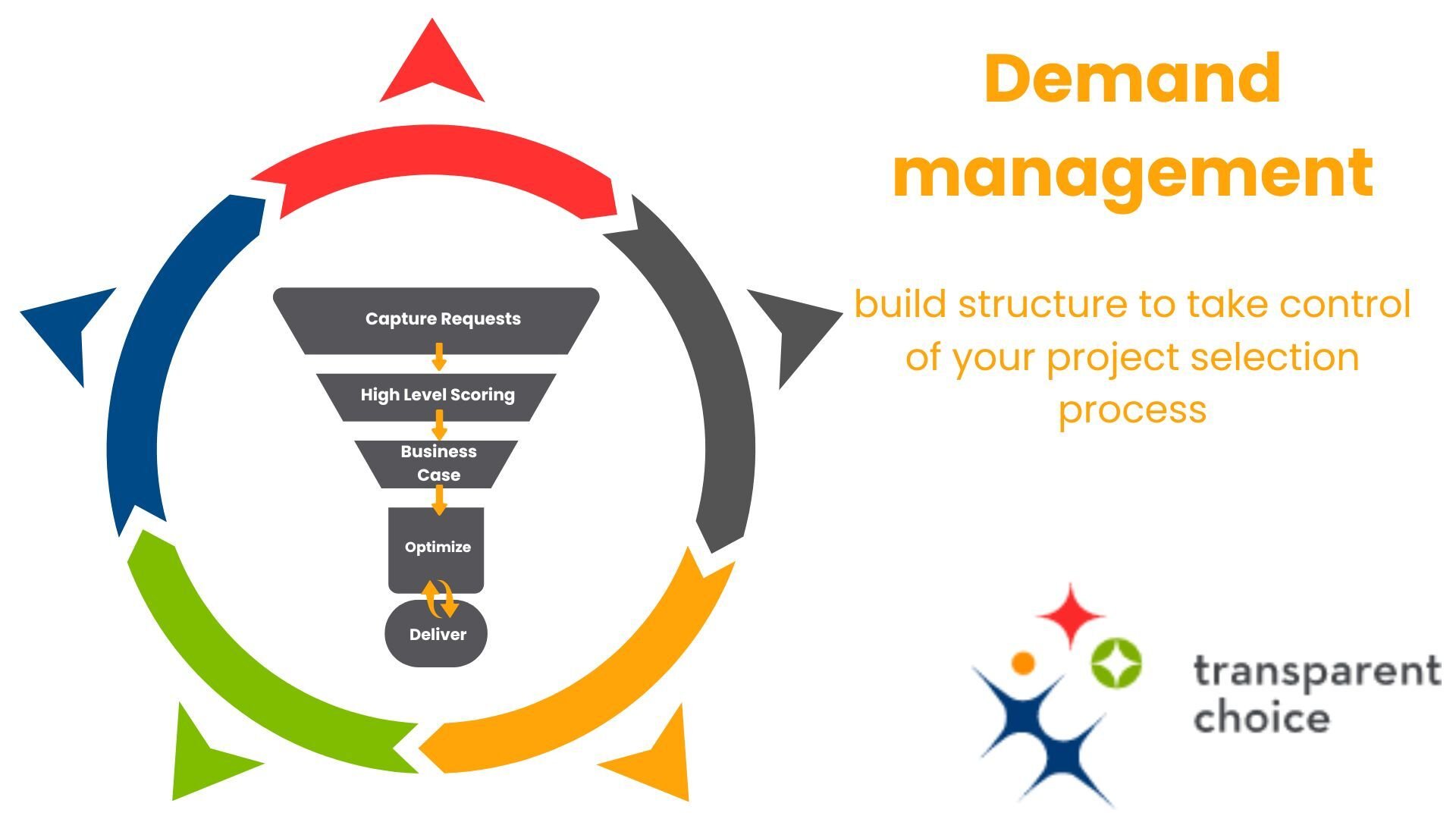
Demand Management means taking control of your portfolio, helping you to turn "Too Many Projects" into a sustainable value engine for your business.

It is where we knit together the complementary steps in our review process: intake, prioritization, and capacity planning.

In this demonstration we deep dive into how to achieve this in the software, and in doing so enable you to embed a decision making capability into your PMO.

Dans video bits

Play Video